Model Information



Description
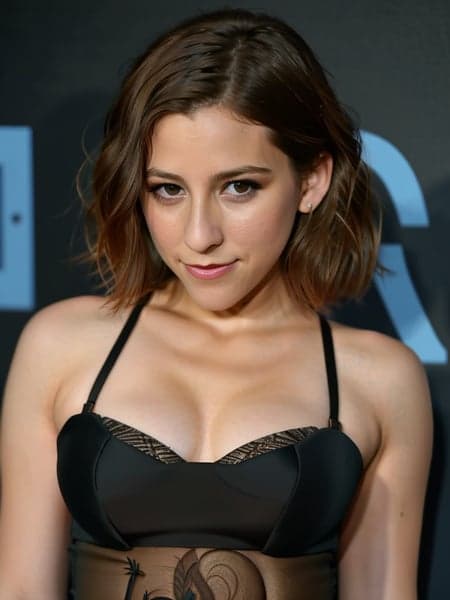
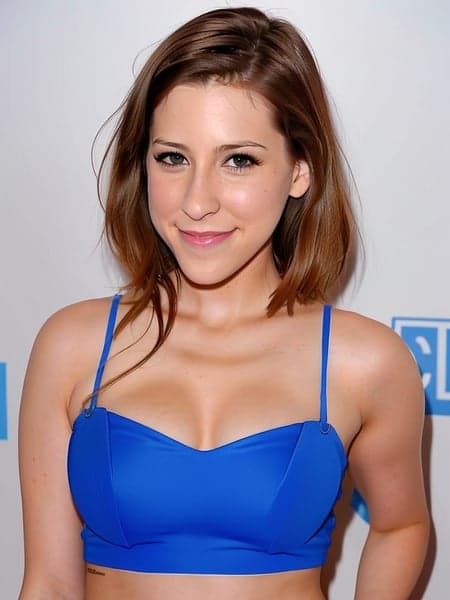
A Stable Diffusion LoRA profile based on Eden Sher.
Place it in "stable-diffusion-webui\extensions\sd-webui-additional-networks\models\lora" folder in Automatic1111 WebUI root folder.
Made using kohya-ss.
In txt2img, under "Additional Networks", select "Enable" and under Model 1 select "Eden Sher" and assign a weight between 0.5-0.7 (the weight required can change depending on the checkpoint being used - feel free to experiment!). In the prompt text window use "Eden Sher" within your prompt to generate images.
Embed has been trained on Stable Diffusion 1.5 model.
Eden Sher LoRA
415downloads
Download ModelModel Details
- Type
- Model Addon
- Subtype
- LoRA
- Created
- Updated
- July 1, 2026