Model Information


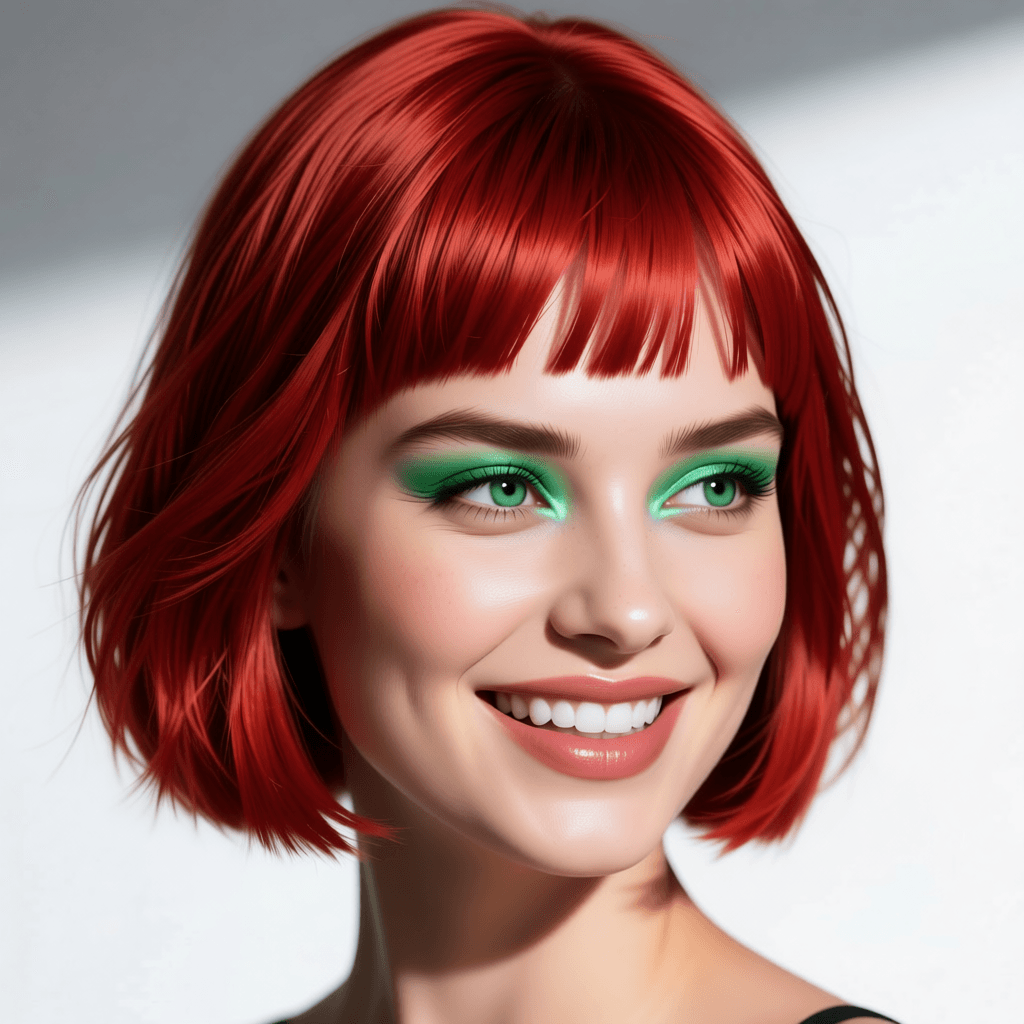
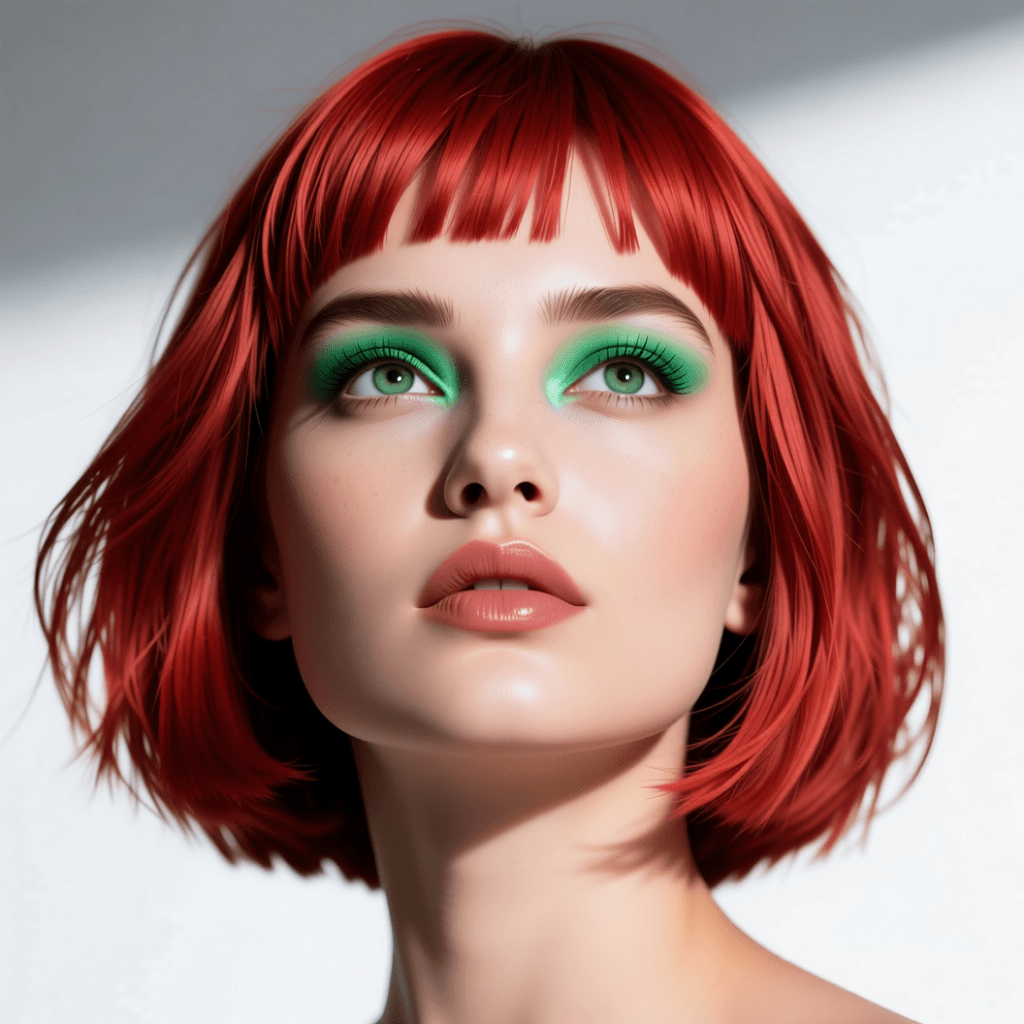


Description
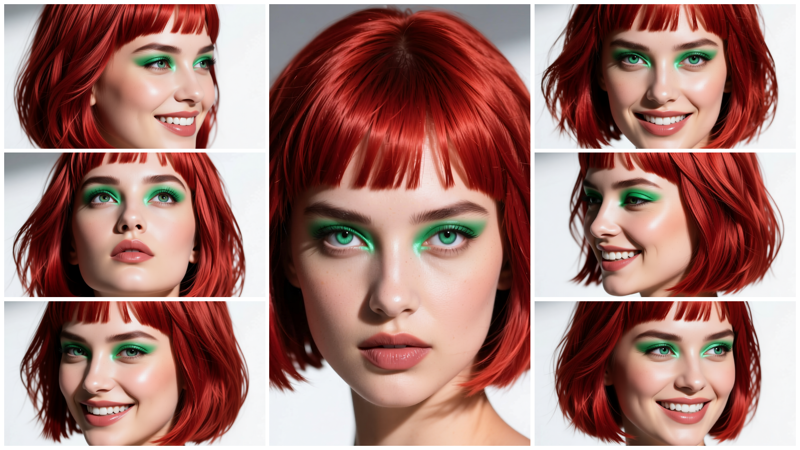
This is a quick workflow I was already working on last summer. I decided to complete it as it was almost ready. And to make it cleaner, I used subgraphs (although I am not a big fan of them).
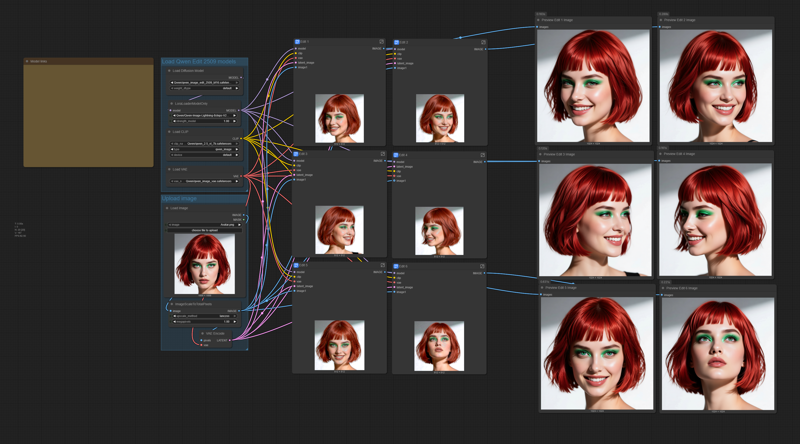 The workflow is self-explaining. You will have all the links to the model files in the workflow.
Just load the portrait you want to replicate, and modify (if you want, and the way you like) the 6 positive prompts. Do not use negative prompts, they are useless in the workflow.
Try to use the best quality photograph you can for the loaded portrait, and try to load an image with a resolution larger than 1024x1024. The workflow will resize it.
You may use the output images for training a LoRA, just generate as many different poses and expressions as you may need for training.
Face-replicator with Qwen Edit 2509
Model Details
- Type
- Generic Asset
- Subtype
- Workflows
- Created
- Updated
- June 5, 2026