Model Information



Description
Hello CIVITAI community! I’m thrilled to present my Flux Power Inpainting Workflow. I’d appreciate your likes, subscriptions, and reviews – they help bring more content to you.
Description:This inpainting workflow is designed for pinpoint edits and detailed enhancements, perfect for retouching specific areas in an image without altering the entire frame. It’s especially useful for enhancing backgrounds, correcting image flaws, or adding new elements seamlessly.
Models Used:flux1DevFp8_v10.safetensorsfor foundational rendering.Additional upscaling models like
4x_NMKD-Siax_200k.pthfor high-definition output.
INPAINT_ApplyFooocusInpaint: Tailored for patch-specific inpainting with selective blur control.
ImageScaleToMegapixels: Ensures high-resolution upscaling.
KSampler: Adjustable sampler for on-the-fly preview capabilities.
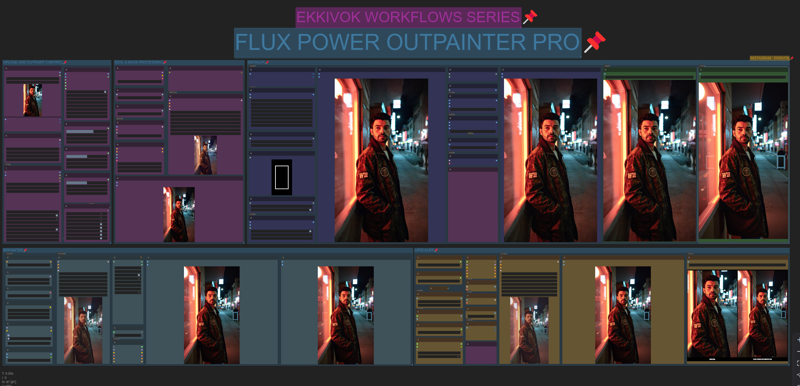
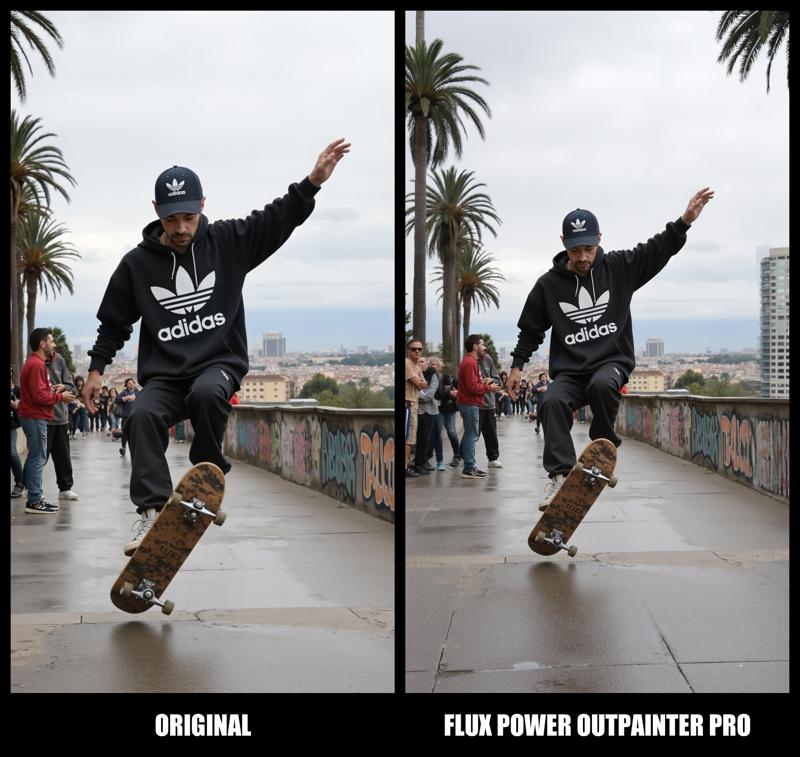
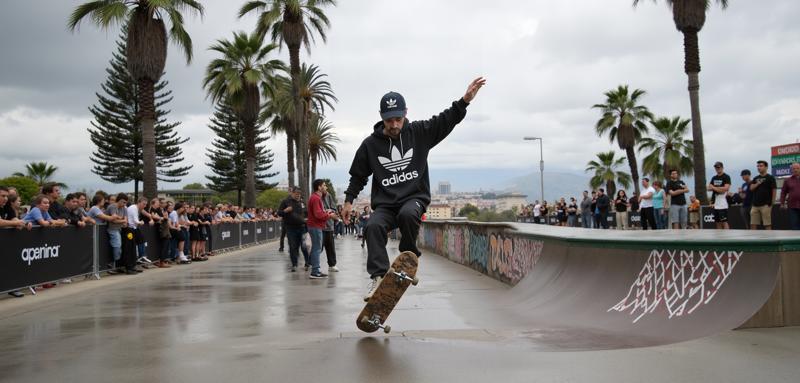
This is the ultimate workflow for intricate, precise edits. It was thoroughly tested across multiple systems with 3080 Ti and 4090 GPUs to ensure stable performance. Whether you’re fixing minor details or revamping entire sections, this workflow gives you professional, high-resolution results every time.
Thanks again to this fantastic community. If you use my workflow in videos or tutorials, please give credit to help others find this tool!
FLUX POWER OUTPAINTER PRO
Model Details
- Type
- Generic Asset
- Subtype
- Workflows
- Created
- Updated
- May 22, 2026