Model Information
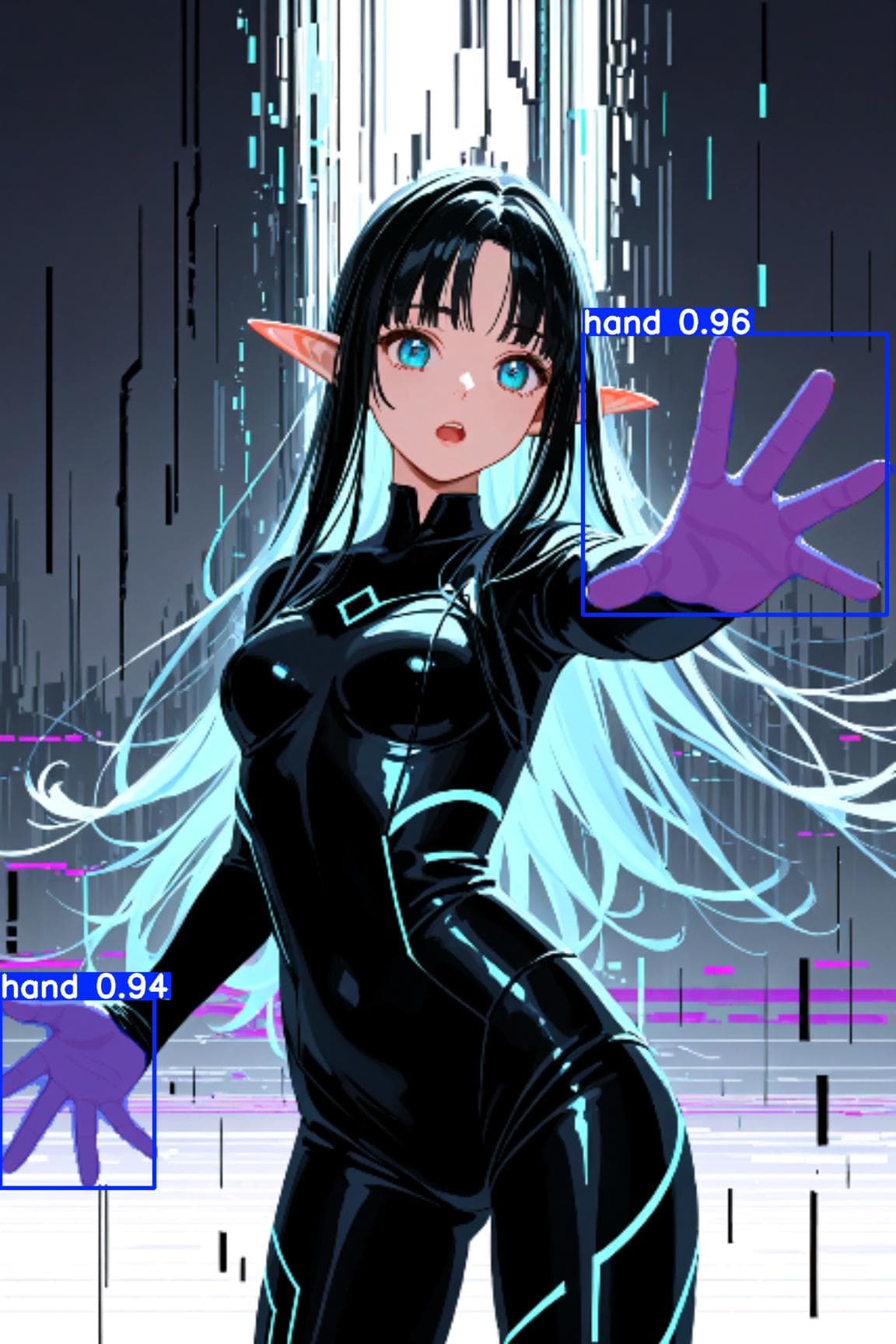

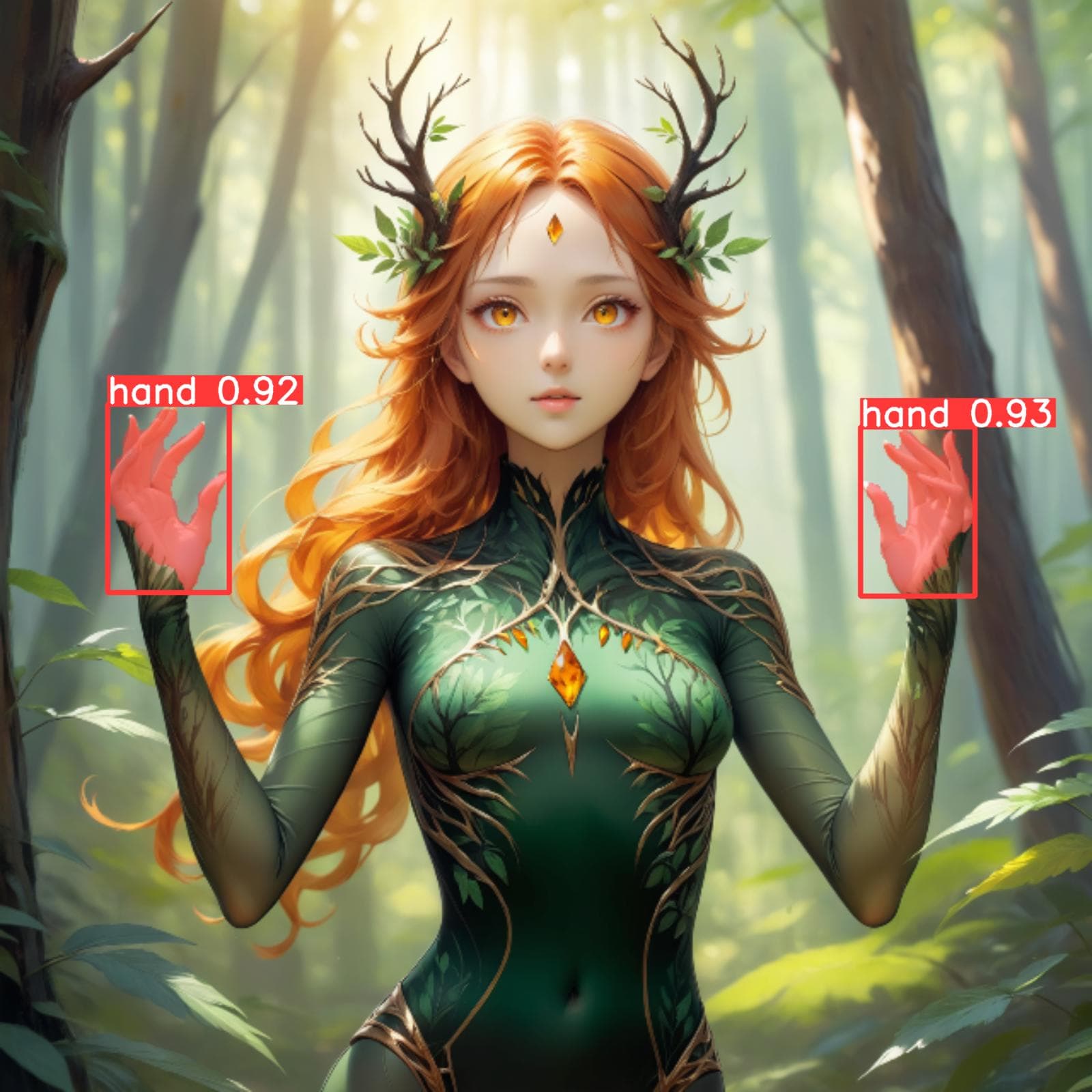



Description
Hand Segmentation for ADetailer
Credits to mnemic for this article and Anzhc for this ADetailer model (see for more information)
Installation:
Download the zip archive
Extract the model into your ADetailer model folder
For the WebUIs like Auto1111, Forge and SD.next it should be in models/adetailer
For ComfyUI it should be in models/ultralytics/segm
Start it up (full restart if already had it open) and select the model from the ADetailer tab/node (tip for webui: you can go to Settings→Adetailer and change the number of models that can be used up to 10, very useful if you want to use more than 2 ADetailer models)
Make sure to have correct Detection thresholds/inpaint strength and so on for your images
Generate them hands!
It detects hands good enough for what SD hands can be. I might work more on this in the future. Please tell me what you think. Thanks! 😊
Hand Detailer/Segmentation - ADetailer
Model Details
- Type
- Generic Asset
- Subtype
- Other
- Created
- Updated
- July 7, 2026