Model Information


Description
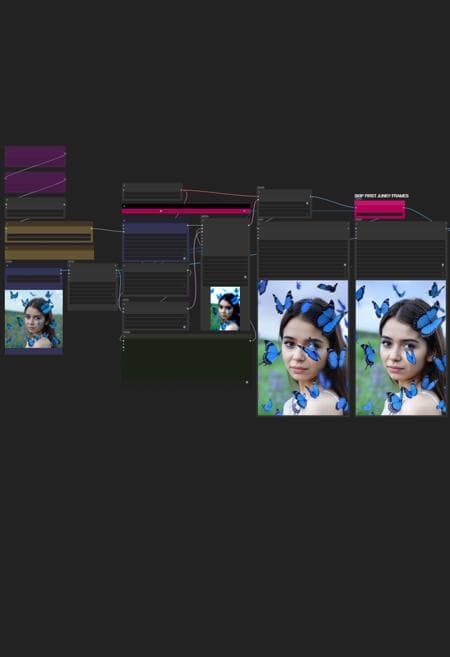
HUNYUAN | Img 2 Vid LeapFusion
Requirements: 1) Kijai's nodes 2) LeapFusion Lora
YOU MUST UPDATE KIJAI NODES IF YOU HAVE THEM ALREADY INSTALLED
Originally provided by Kijai who implemented support for LeapFusion.
In short: it uses a special LORA to do the trick. Read more in the link above.
Actually a hit or miss, but when it works is the best I2V you can find around.
Works combined with avaible loras around. Prompting helps a lot but works even without.
I modified a bit the workflow and added some frame skip,
since first frames tend to be always junky.
I also changed some settings, you can compare to original settings here
*you may want to change steps on your needs. i left 9 there cause i do fast tests and i use to swap regular model to fast model often, depending on the lora i'm loading in.

Bonus TIPS:
Here an article with all tips and trick i'm writing as i test this model since December:
https://civitai.com/articles/9584
you will get a lot of precious quality of life tips to build and improving your hunyuan experience.
Hunyuan ▪ Img2Vid ▪ LeapFusion Lora
Model Details
- Type
- Generic Asset
- Subtype
- Workflows
- Created
- Updated
- July 2, 2026