Model Information
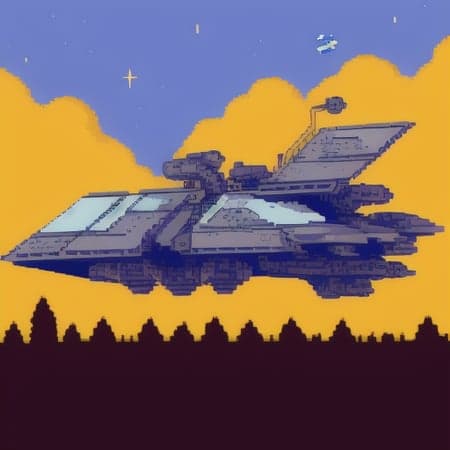
Description
Hi,
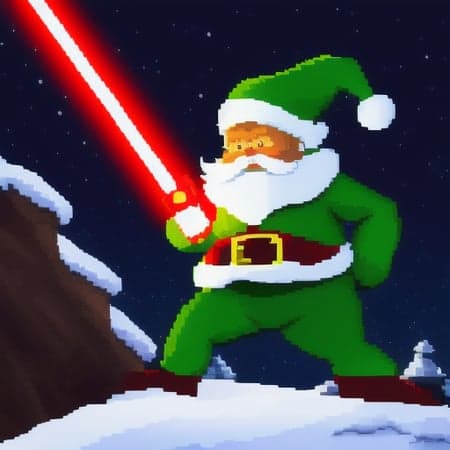
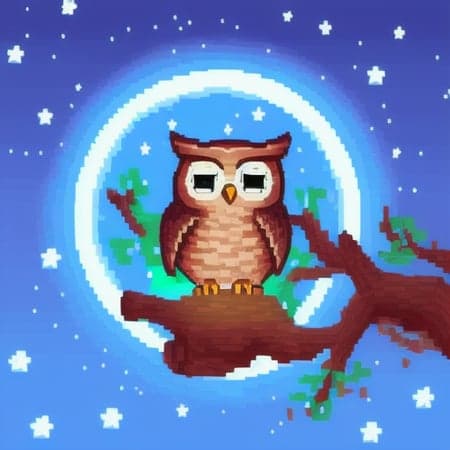
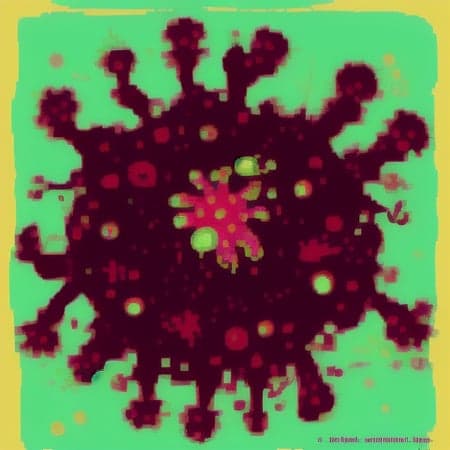
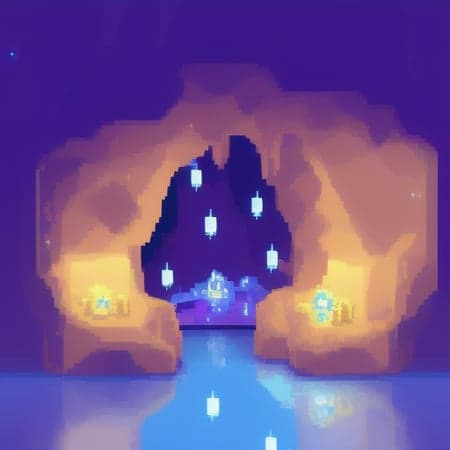
This is a merge of 30 models in 60 Steps, with the focus on pixel art. No complex prompt engineering necessary, but you can use also complex prompts.
Try different trigger words like: pixelart, sprite, 1-bit till 16-bit,
You can play with the weights (range ~ +-2)
Not every trigger works for every scenery. While in one just pixelart works great, in the next scene you need to weight the trigger. And in the next one you will need to use it together with negative prompts.
Use border, mosaic, voxel as negative (separated or combined). It can help, if it looks some kind of blocky. Then you will need also to raise the positive weights for the trigger words.
For some combinations, it doesn't seem really to work. Try to enforce it with the own pixel art Lora (in downloads ~18mb) and (mosaic, voxel:0.0) (and -1 sometimes also gives a good result") negative prompt. The voxel and mosaic style seems hardly to interfere with the pixel art style. If somebody knows how to subtract these values from the model, maybe the quality can be improved(Is it maybe some kind of unet issue?).
Try to use luisa_pinguins Pixelart Lora, to improve the output in these hard cases https://civitai.com/models/10706/luisap-pixel-art-lora pixelart in the prompt trigger it.
Use luise_pinguins Pixelart Lora to get more/other/fancy results. Range +1.4 ~ -1
Anti Burn plugin for Automatic1111 can improve the quality, if you smooth down steps.
The model is not perfect. But there are also nice outcomes through imperfection. Sometimes it mixes pixel art and non pixel art. From time to time, you will have borders around chars or mosaiclike pixel art.
You can try to trigger specific styles:
Nvinkpunk;
modern disney style
classic disney style
dreamlike
samdoesarts
charliebo artstyle
holliemengert artstyle
marioalberti artstyle
andreasrocha artstyle
pepelarraz artstyle
jamesdaly artstyle
modelshoot style
mdjrny-v4 style
estilovintedois
jarcher style
archer style
arcane style
modelshoot style
anime pencil concept style
MTG card art
sjh style
jwst (Deep Space photography)
All images are rendered with Euler a 20 Steps. You can have a look into the examples for more details.
Can produce some nice NSFW stuff, but there is no explicit merge in it.
I had a lot of fun with this model and also to create it. I hope you will too!
Pixelart Ultramerge
Model Details
- Type
- AI Model
- Task
- text-to-image
- Subtype
- Safetensors / Checkpoint AI Model
- Created
- Updated
- July 13, 2026