Create AI animations for Beginners
Creating AI animations has become increasingly accessible, even for beginners, thanks to advancements in artificial intelligence. One notable tool in this domain is Luma AI’s Dream Machine, which enables users to generate high-quality animations with minimal effort. This blog post will guide you through the process of creating AI animations using Dream Machine, providing step-by-step […]

Creating AI animations has become increasingly accessible, even for beginners, thanks to advancements in artificial intelligence. One notable tool in this domain is Luma AI’s Dream Machine, which enables users to generate high-quality animations with minimal effort. This blog post will guide you through the process of creating AI animations using Dream Machine, providing step-by-step instructions and valuable insights.
What is Luma AI’s Dream Machine?
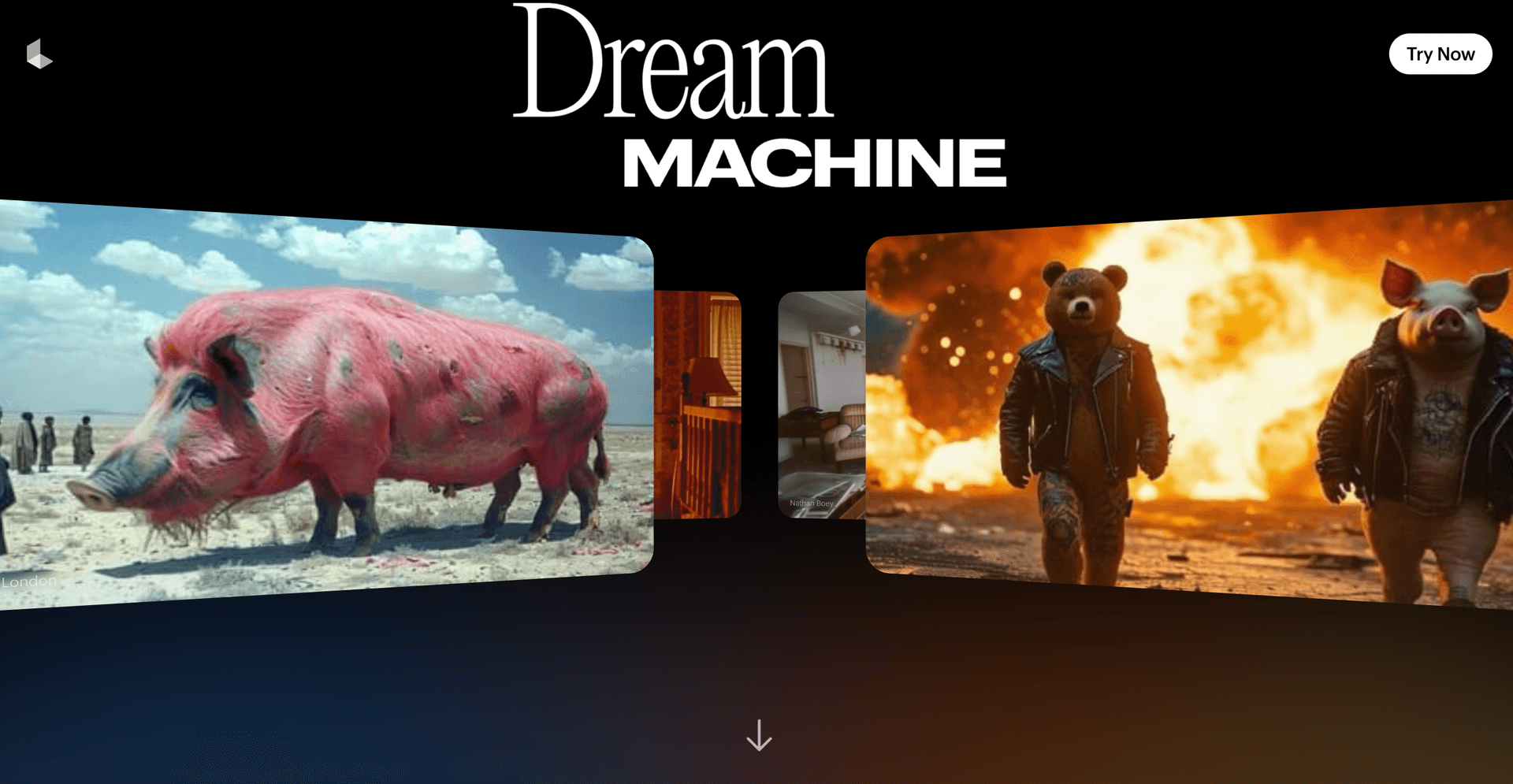
Luma AI’s Dream Machine is an AI-powered video generator that transforms text prompts or images into realistic, high-quality videos. Leveraging advanced transformer models trained directly on videos, Dream Machine can produce five-second clips with smooth motion and cinematic quality. This tool is designed to be user-friendly, making it ideal for both novices and professionals seeking to create AI-generated animations.

Getting Started with Dream Machine
Accessing Dream Machine
- Visit the Website: Navigate to the Luma AI Dream Machine website.
- Sign Up or Log In: Create an account or log in using your existing credentials.
- Explore the Interface: Familiarize yourself with the user-friendly interface, which offers options for text-to-video and image-to-video generation.
Creating Your First AI Animation
Using Text Prompts
- Enter a Prompt: In the text input field, describe the scene or animation you envision. For example, «a serene sunset over a mountain range.»
- Enhance the Prompt: Optionally, enable the ‘enhance prompt’ feature to allow the AI more creative freedom in interpreting your description.
- Generate the Video: Click the ‘Generate’ button and wait for the AI to process your request. Typically, Dream Machine generates 120 frames in about 120 seconds.
- Review and Download: Once the video is ready, preview it. If satisfied, download the clip to your device.
Using Image Inputs
- Upload an Image: Click on the ‘Upload Image’ option and select a reference image from your device.
- Provide a Directive: Describe the desired animation or transformation. For instance, «animate the leaves to sway gently in the wind.»
- Generate and Review: Initiate the generation process and, upon completion, review the animated video. Download it if it meets your expectations.

Tips for Creating Effective AI Animations
- Be Descriptive: When using text prompts, provide detailed descriptions to guide the AI effectively.
- Experiment with Styles: Specify artistic styles or moods in your prompts, such as «in the style of Van Gogh» or «a futuristic cityscape.»
- Iterate and Refine: Don’t hesitate to tweak your prompts or directives and regenerate videos to achieve the desired outcome.
Advanced Features and Considerations
Consistency in Character Animation
One challenge with AI-generated animations is maintaining consistent character appearances across multiple scenes. To address this, you can use tools like ChatGPT to generate detailed character descriptions and image generators to create consistent character images. These images can then be uploaded to Dream Machine for animation, ensuring uniformity throughout your project.
Adding Lip Sync and Audio
For animations involving dialogue, incorporating lip-syncing enhances realism. Tools like Luma Studio or Runway ML can synchronize mouth movements with audio tracks. Additionally, background music and sound effects can be added using AI tools like Suno AI or royalty-free sources to enrich the final animation.
Exploring Further Resources
To deepen your understanding and skills in AI animation, consider exploring the following resources:
- Tutorial Videos: Comprehensive guides are available on platforms like YouTube. For instance, the video «AI Generated Animations Just Changed Forever | Dream Machine» provides a step-by-step walkthrough of using Dream Machine.
- Community Forums: Engage with other users on forums and social media groups dedicated to AI animation to share experiences and tips.
- Official Documentation: Refer to Luma AI’s official documentation and blog posts for updates and advanced techniques.
Conclusion
Embarking on the journey of creating AI animations is now more accessible than ever, thanks to tools like Luma AI’s Dream Machine. By following the steps outlined in this guide and leveraging the available resources, beginners can produce captivating animations with ease. As you experiment and refine your skills, you’ll discover the vast creative potential that AI animation offers.
Need some prompt inspiration or prefer an easier way to generate your images? Check Prompthero today