Model Information


Description
ILustREAL
Hey guys, ☺
I wanna present to you ~ ILustREAL ~ my first "realistic" merge for Illustrious. It's not perfect at this moment but I have tried to create a model close to realism.
I would recommend using ADetailer for further distance and prompts including quality and photography setting descriptions if u want to create realistic images. By scipping this the merge will be in between semirealism and realism. ^^
an example could build like this
[ur vision - what should be shown in the image?].
looking at viewer, detailed eyes, eyelashes.
example for portraits:
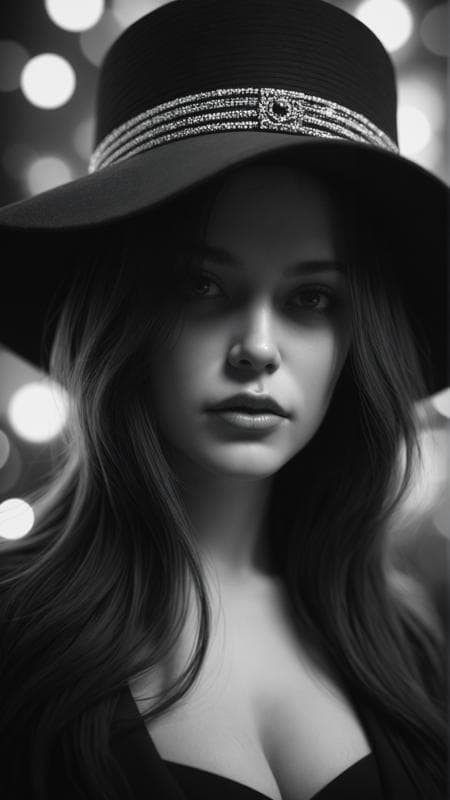
A professional, high-quality, hyper-realistic portrait of a woman. The image features ultra-detailed eyes, realistic skin texture, intricate facial features, and cinematic lighting. Shot in low light with a Nikon Z7 II and a NIKKOR Z 50mm f/1.8 lens, showcasing shallow depth of field (bokeh) and RAW photography quality. Masterpiece-level, sharp and photorealistic, fine art photography style.
example for upper body:
A professional, high-quality, hyper-realistic hip-shot of a woman. The image features ultra-detailed eyes, realistic skin texture, intricate facial features, and cinematic lighting. Shot in low light with a Nikon Z7 II and a NIKKOR Z 85mm f/1.4 lens. Masterpiece-level, sharp and photorealistic, fine art photography style.
LORAS, and so on
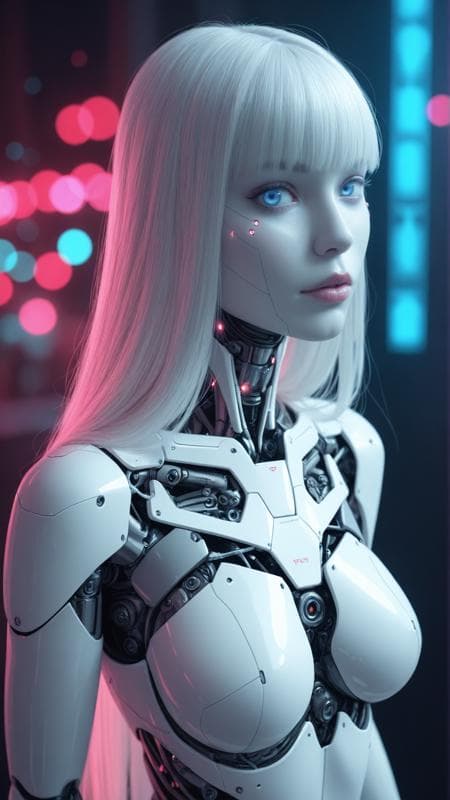
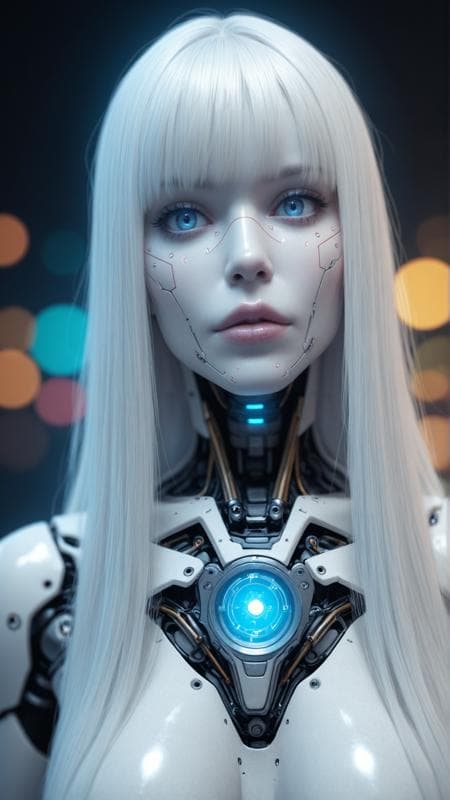
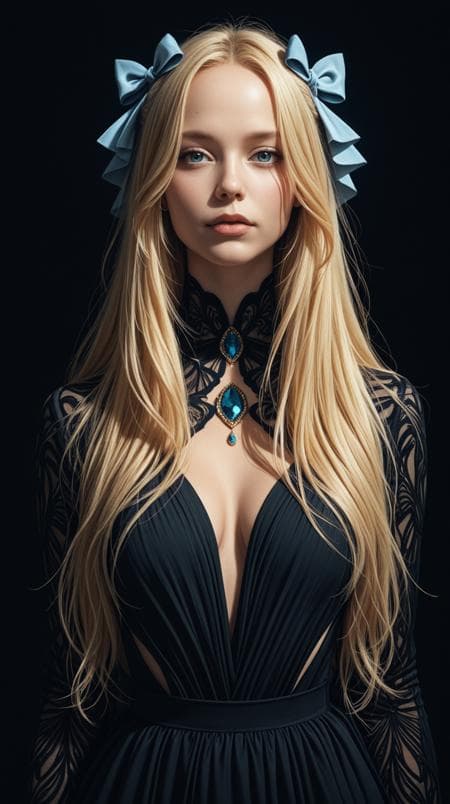
This is just an example of setting descriptions close to my showcase images.
For the showcase I have used
Clip skip 1
Euler a,
30 steps,
CFG 7
hires x 1,5 with hires denoising 0,1 and 20 hires steps.
I am happy if u enjoy and stay curious abt ur results. ♥
ILustREAL
v4.0
Model Details
- Type
- AI Model
- Task
- text-to-image
- Subtype
- Safetensors / Checkpoint AI Model
- Created
- Updated
- June 8, 2026