Model Information




Description
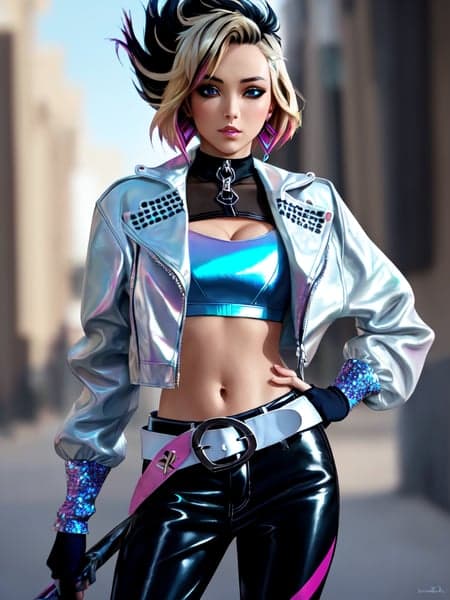
K/DA All Out Akali
Default download is now a LORA
How to use
This is a LORA ckpt which means that you will need https://github.com/kohya-ss/sd-webui-additional-networks to combine the LORA with any model of your choosing.
Generating example images
I'm using AOMV2
Alternative downloads
Alternative downloads were trained via dreambooth
Model Variants
Creating your own variant
Grab a model from anywhere & go to "Checkpoint Merger" in web-ui. Set A to the downloaded model. Set C to the original model. Set B to the model you want to add it to. Set a custom name, multiplier to 1, select "add difference". Save as fp16 to save space.
How to create a Dreambooth character model like this!
K/DA All Out Akali
dreambooth_kda_all_out_akali_wd13_general_mix_model
2.2Kdownloads
Download ModelModel Details
- Type
- Model Addon
- Subtype
- LoRA
- Created
- Updated
- July 7, 2026