Model Information
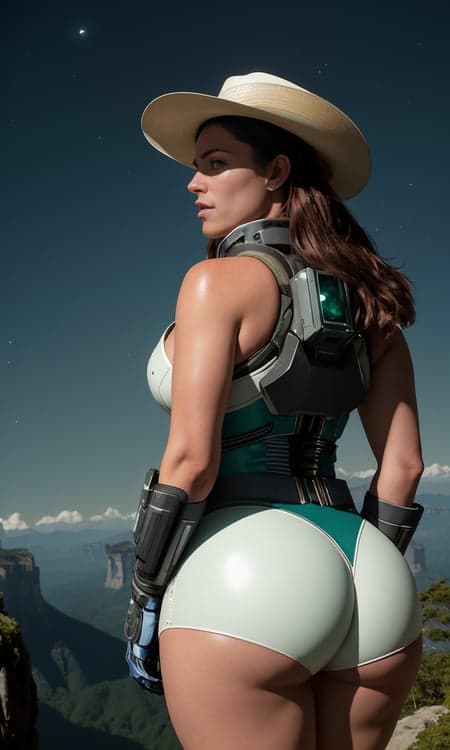


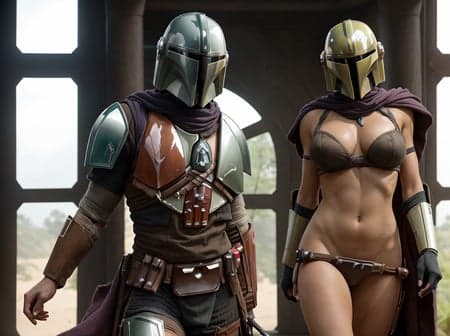
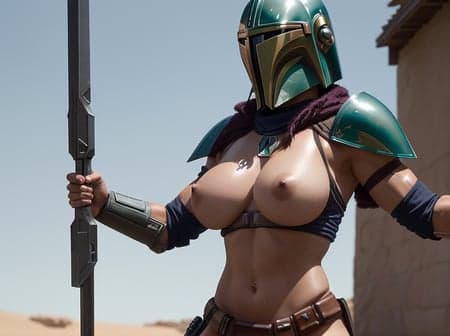
Description
Project All In One (AIO)
Please Red Description
Important: Having multiple models uploaded here on civitai has made it difficult for me to respond to each and every comment. One of the ways I plan on addressing this is via the creation of a pdf guide for each and every model (think of it as the models documentation). This will take a while though. So in the meantime, if you have any questions or feedback -
visit my thread of the Unstable Diffusion Discord

This model is a merge between all of my previously released models and, some unreleased models.
Going forward, all future models and updates to existing models will also be added/updated on this model.
Hands
Hands are the Achilles heel of latent diffusion models (LDMs). This model is no exception. Due to the unorthodox methods used in the creation of this model. It often fails at generating good hands. As of right now, I have no fix for this. Given the dynamic nature of this model (being updated alongside my other models), there's a chance the issue solves itself in a later update. That being said, I also plan on dedicating time into researching possible cost-effective solutions to "the hand issue" for all LDMs.
In the meantime, I encourage you to use the following two embeddings to help alleviate some of the deformed hand generations:
Bad_prompt_version2 - https://huggingface.co/datasets/Nerfgun3/bad_prompt/blob/main/bad_prompt_version2.pt
bad-hands-5 - https://huggingface.co/MortalSage/Strange_Dedication/blob/main/embeddings/bad-hands-5.pt
NOTE: If using bad-hands-5 bare in mind that your generations will not match the sample images for this model. This is because I didn't use the bad-hands embedding when creating the sample images.
How To Install Embeddings in Automatic1111 webui
Place bad_prompt_version2.pt and/or bad-hands-5.pt inside your embeddings folder for webui.
stable-diffusion-webui//embeddings//<place .pt embeddings here>
Launch webui, under "Generate" you will see a little red button. Click it, now under the "textual inversions" tab you will see the embeddings you added. Click on them, they will automatically be added to the end of your negative prompt.
To change the weight (strength) of the embedding; use attention/emphasis. For example, (bad_prompt_version2:0.8)
Recommended Settings
Clipskip: 1
ENSD: 31337
Sampler:
DPM++ SDE Karras, 18 - 30 steps
DPM++ 2M Karras, 30 - 60 steps
Heun, 20 steps, Sigma Churn = 1
Euler, 20 - 70 steps, Sigma Churn = 1
These parameters are not strictly required, experiment around with other samplers and parameter values. You might find something that works better for you.
Check out my other models (also the models used in the merge)
WonderMix - https://civitai.com/models/15666/wondermix
Refined - https://civitai.com/models/8392/refined
Experience - https://civitai.com/models/5952/experience
Elegance - https://civitai.com/models/5564/elegance
Clarity - https://civitai.com/models/5062/clarity
VisionGen - Realism Reborn -https://civitai.com/models/4834/visiongen-realism
LoRA
Pant Pull Down - https://civitai.com/models/11126/pant-pull-down-lora
Special thanks to rocp for the witch and French maid prompt used in the sample pictures, @nutrition for copious research/testing of various sampling methods/parameters, and to everyone in the Unstable Diffusion Discord community that make doing this a more fun and enjoyable experience.
Project AIO
AIO v4.5
Model Details
- Type
- AI Model
- Task
- text-to-image
- Subtype
- Safetensors / Checkpoint AI Model
- Created
- Updated
- June 15, 2026