Model Information
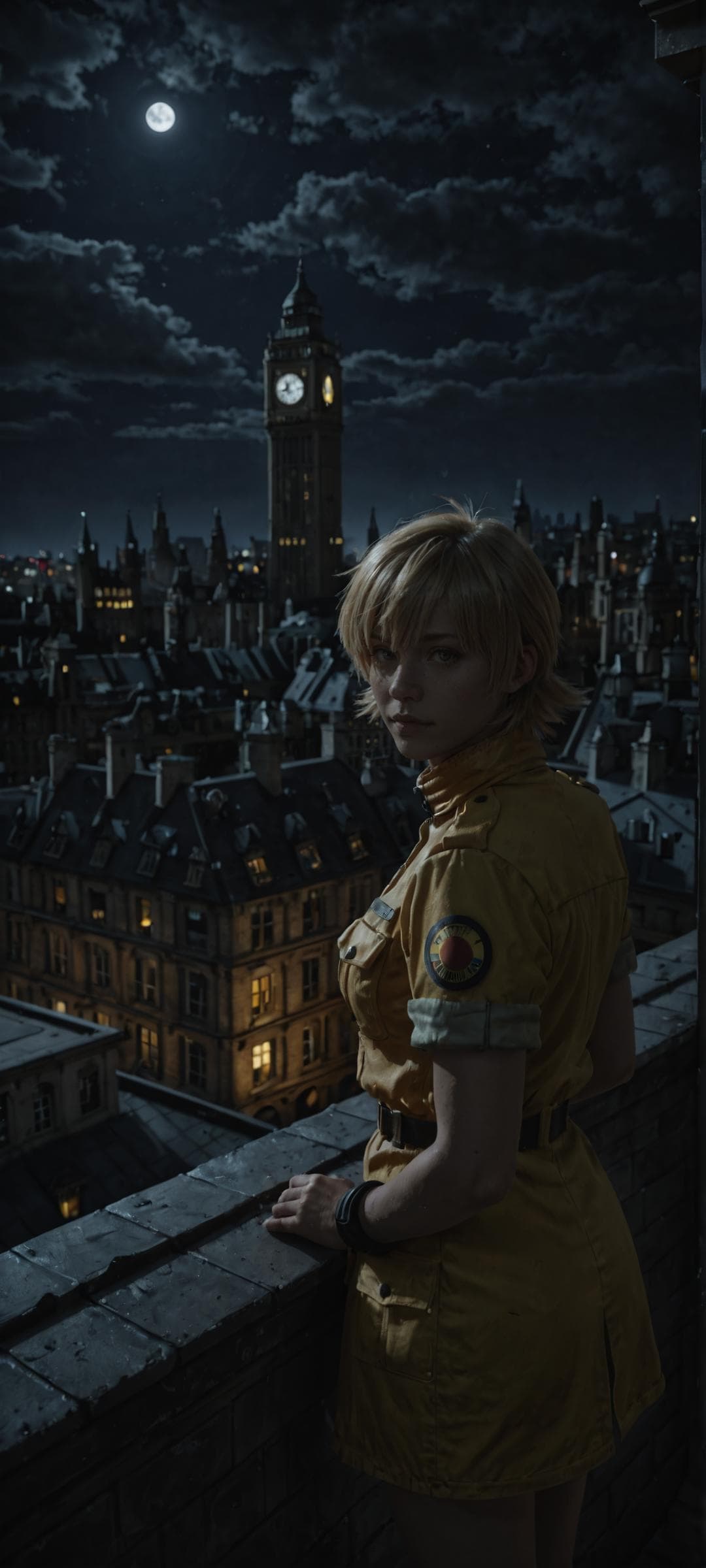
Description
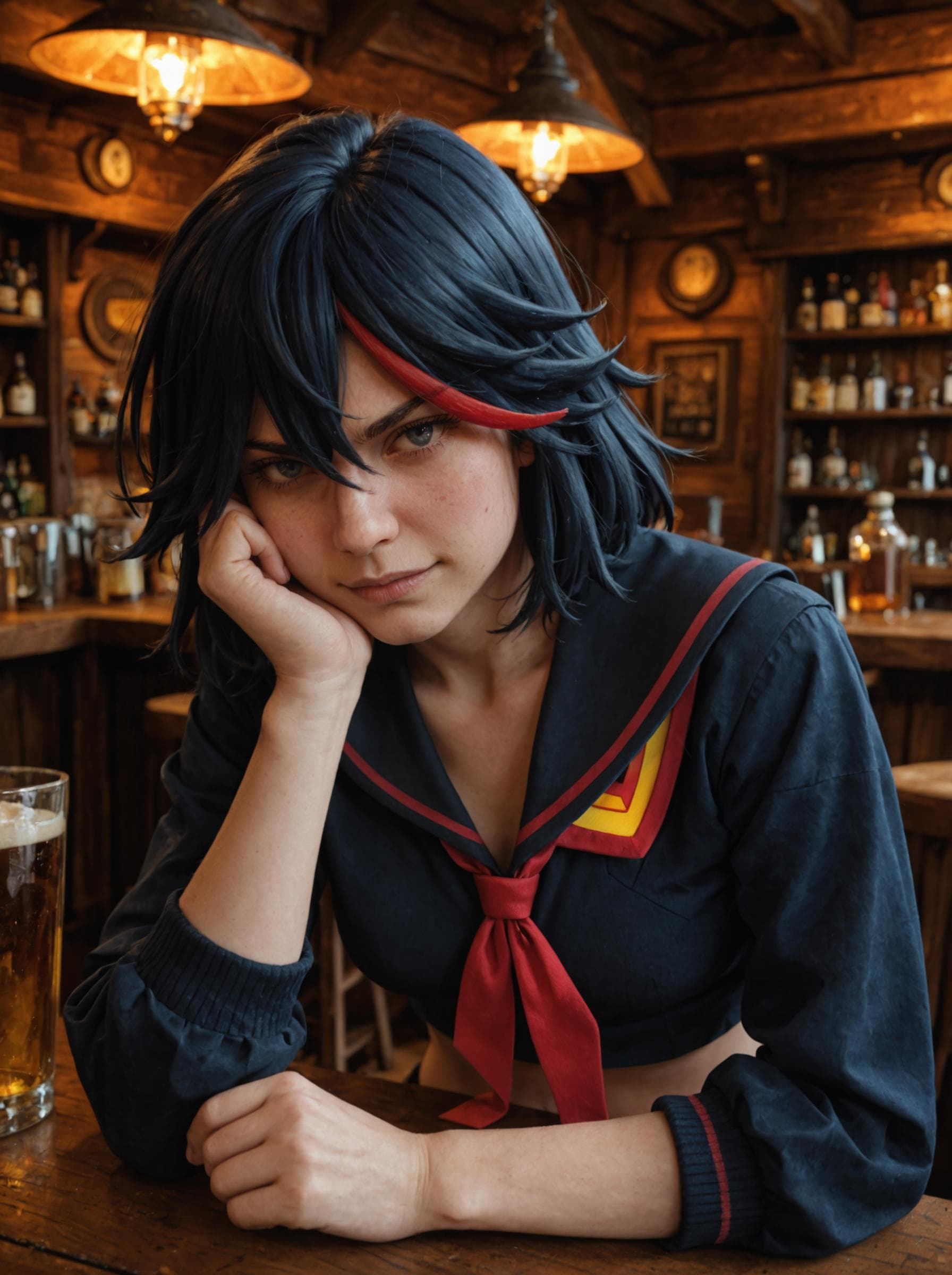
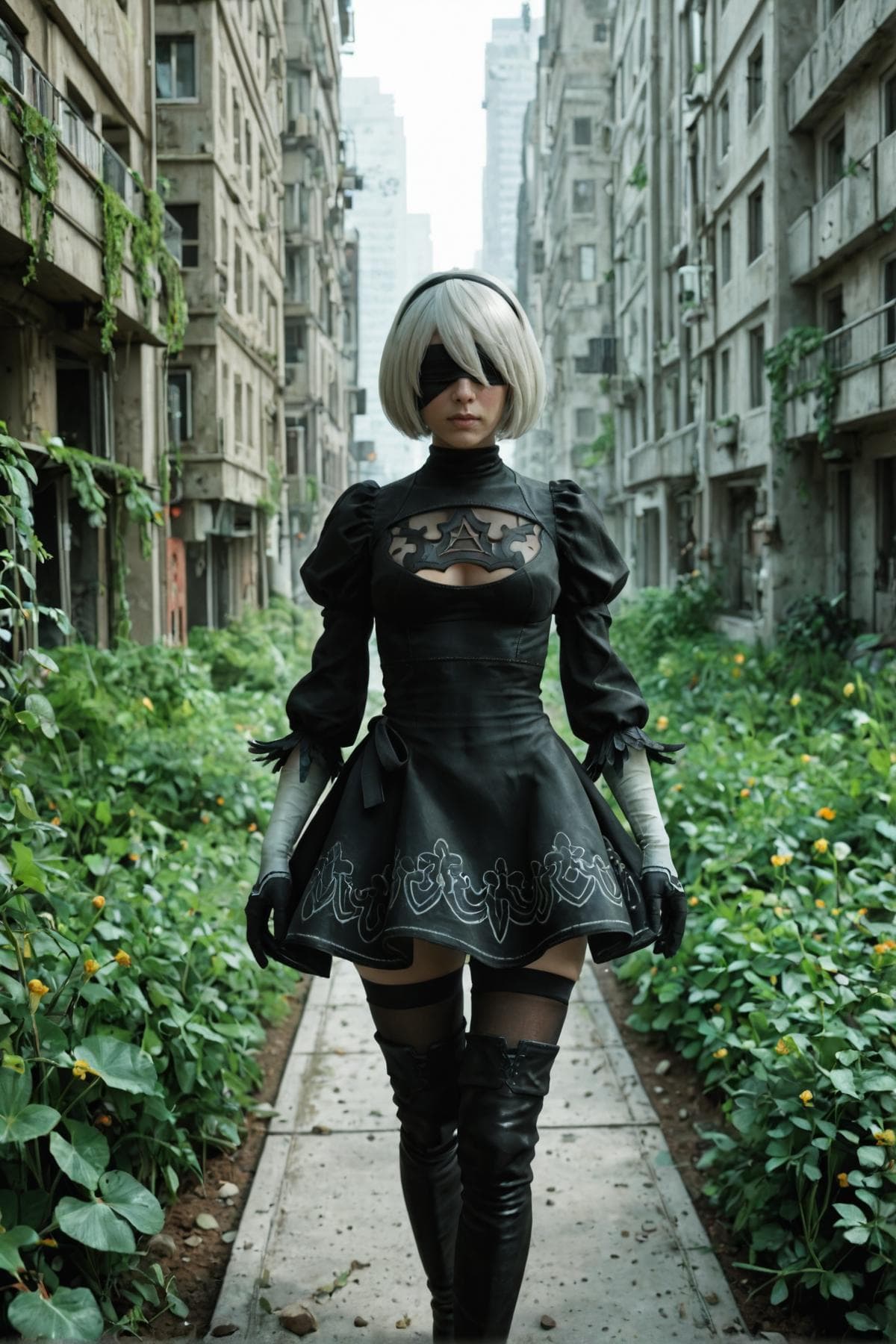
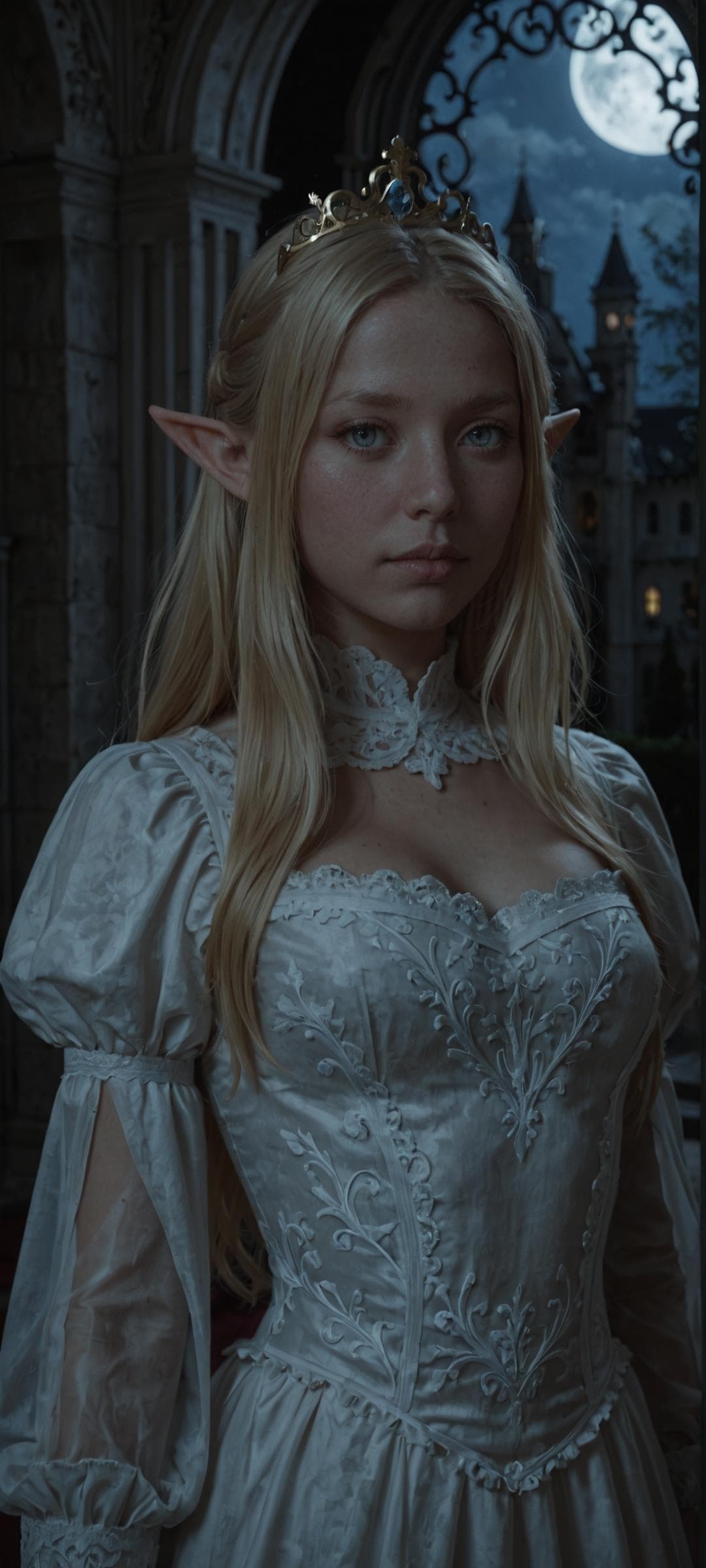
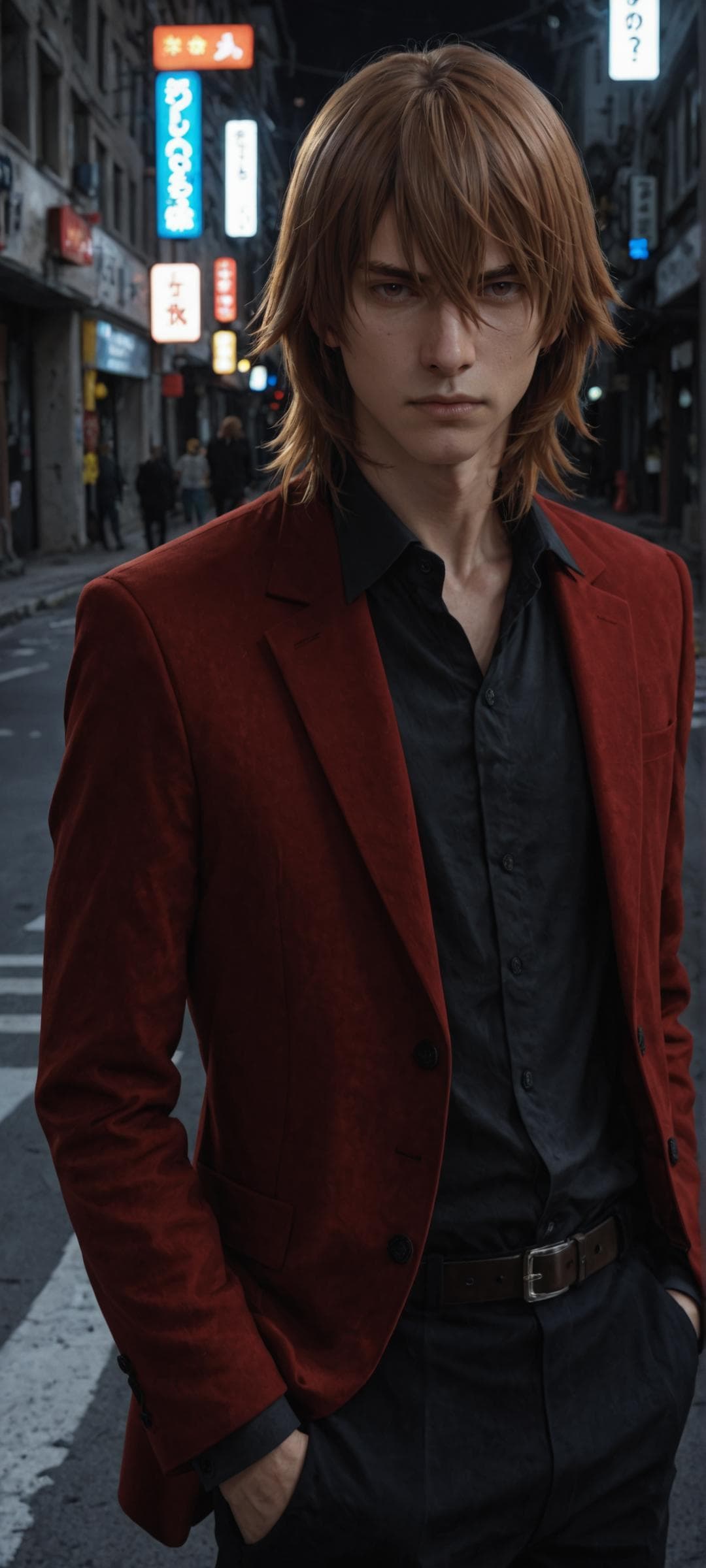
This is a merge of a couple of Illustrious models made with intention of creating realistic character generations without losing most of the innate Illustrious knowledge.
All the example images are made with the usage of Hiresfix, ADetailer or Kohya HRFix using only this checkpoint. Feel free to ask any questions about the exact usage.
Pros:
Character knowledge is pretty decent, you can generate almost any character that base illustrious can if you specify some small design details.
Faces and skin look reasonably realistic for said character knowledge degree.
Pretty good lighting, you can generate actual night scenes or harsh shadows, without it looking like the whole image is lit by a spotlight.
Cons:
Same-ish faces, so the model is not the best for generating generic realistic people. Faces will still change with the usage of quality tags, specifying a different ethnicity or with different characters.
Faces can look off-putting in some cases, like too many blemishes or too anime looking, it can be fixed though, read the usage guide.
Expressions are a bit cartoonish.
Hands are not the best in dynamic images.
Usage guide
DPM++ 2M SDE, Karras, 30-50 steps, CFG 5-6.
Most of my images are 720x1600 upscaled to 1080x2400 with HiresFix.
I’m almost always using ADetailer with 0.2-0.4 denoise and HiresFix with 0.3-0.4 denoise and 1.5-2 upscale without any dedicated upscaler.
For full body shots you can use Kohya HRFix with 0.35-0.5 end percent and 1.5 downscale factor. It allows to keep some very fine details, which can’t really be restored post initial generation in regular resolution without heavy inpainting.
Prompts
Don't spam quality tags from 2D illustrious checkpoints you will just get 2.5D anime faces.
You can get by with simple:
realistic,detailed,detailed face,volumetric lightingIf you want the face to look a bit more pleasing:
cute,beautifulOther decent tags:
natural skin,realistic skin,beautiful eyes,detailed backgroundFor night scenes use:
(low light,dark,night)Some characters will look more like a 2.5D use this in NEGATIVE to fix this:
(anime,big eyes,anime eyes:1.2)If you want smooth skin without it looking like a cheap filter use this in NEGATIVE if necessary:
blemishes,moles,frecklesI highly recommend using Forge webui if you have any VRAM problems with higher resolutions because it has built-in Tiled VAE, which can allow you to generate up to 8k resolution pictures with the sacrifice of generation time even with 6gb-8gb VRAM. Use Never OOM and/or Kohya HRFix in txt2img.
https://github.com/lllyasviel/stable-diffusion-webui-forge/releases/tag/latest
For multiple people I recommend Forge Couple extension, it allows character features to not be mixed up, similar to Regional prompter. Maintaining a good lighting can get a little bit more tricky the smaller the image segment per character becomes.
https://github.com/Haoming02/sd-forge-couple
And obviously ADetailer
https://github.com/Bing-su/adetailer
Models used in merge:
Quintillus - "Reality https://civitai.com/models/1131256
Uncanny valley https://civitai.com/models/507472
LeafVice [ illustrious ] by Leaf https://civitai.com/models/1177564
RealVisXL V5.0 https://civitai.com/models/139562/realvisxl-v50
SpectralMix
v1.0
Model Details
- Type
- AI Model
- Task
- text-to-image
- Subtype
- Safetensors / Checkpoint AI Model
- Created
- Updated
- June 16, 2026