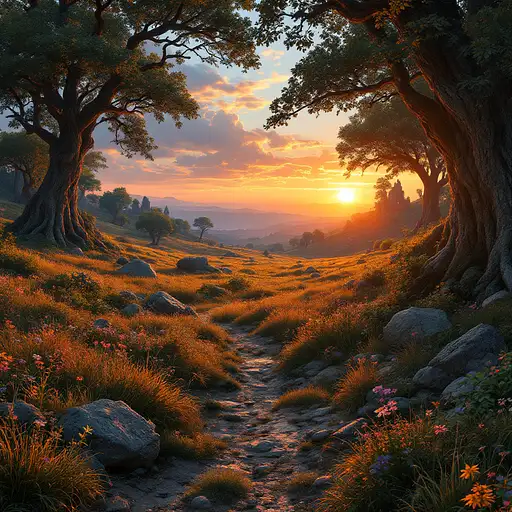
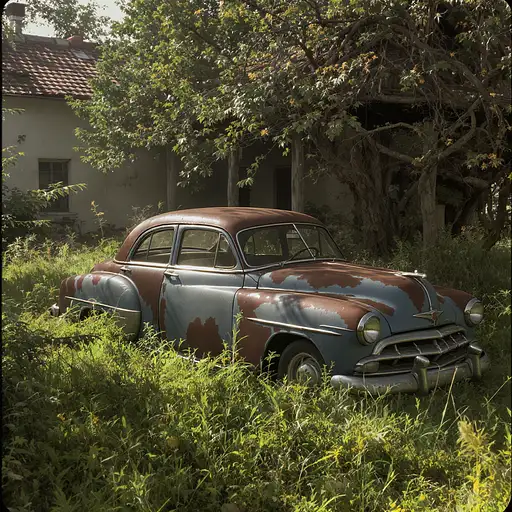
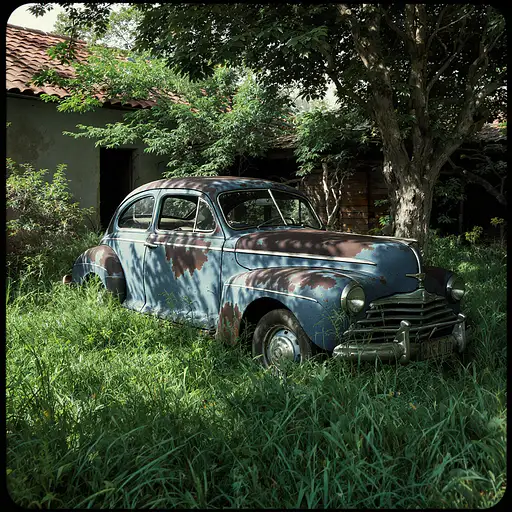
A sample prompt of what you can find in this page
Prompt by Grayve

green grass prompts

very few results

8 months ago

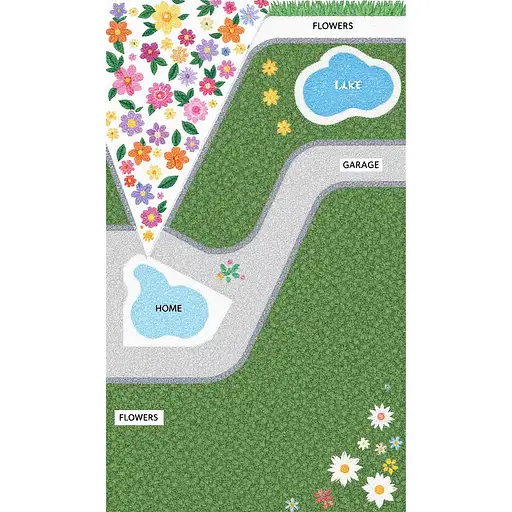
### **Core Instructions** "Generate a **strict top-down 2D site plan** with **no perspective**, divided into **three distinct zones** (GREENS, HOME, AGRICULTURE) as follows: --- ### **1. GREENS (Left Half of Image)** - **Flower Area**: Irregular triangle labeled *FLOWERS* in the **southwest corner**, filled with clustered flowers. - **Small Lake**: Circular water body labeled *LAKE* in the **northeast corner**, touching the gazebo. - **Grass**: Solid green fill covering all remaining space on the left half. --- ### **2. HOME (Vertical Center-Right Strip)** - **Villa**: Rectangular *R+1 villa* labeled *HOME*, centered vertically. Attach a smaller rectangle (*GARAGE*) to its **immediate right**. - **Gray Car Path**: Straight horizontal road labeled *LANE* running from the **south edge (MAIN ENTRANCE)** to the villa’s front door. Add a **blue circle (FOUNTAIN)** at the path’s midpoint. - **Connections**: - From the villa’s **north side**, draw two dotted paths: 1. **Westward** to an unlabeled oval (*POOL*). 2. **Northeast** to a pentagon labeled *GAZEBO*, crossing the lake’s edge. --- ### **3. AGRICULTURE (Right Half of Image)** - **Agricultural Field**: Large rectangle labeled *AGRICULTURAL FIELD* covering the entire right half. - **Animal Enclosures**: Two orange rectangles labeled *ANIMAL ENCLOSURES* in the **northwest corner of the Agriculture zone**. - **Vegetable Garden**: Green rectangle labeled *VEGETABLE GARDEN* centered **directly north of the villa**. --- ### **Critical Details** - **Trees**: Line both sides of the gray road from entrance to villa. Add a row of trees separating the villa from the Agriculture zone. - **Labels**: Use exact text from the user’s screenshot (e.g., *MAIN ENTRANCE*, *LANE*). - **No Overlaps**: Keep zones strictly separate (GREENS left, HOME center-right, AGRICULTURE right). - **Style**: Clean 2D schematic with flat colors, no shadows or depth. Mimic a technical blueprint.

8 months ago

Create an award-winning image of an Australian outback landscape, featuring a breathtaking rocky waterfall, a serene swimming hole, and a majestic gum tree standing proudly in the scene. The waterfall should cascade over rugged, weathered rocks, its crystal-clear water plunging into the refreshing swimming hole below, surrounded by smooth stones and lush green vegetation that contrasts beautifully with the arid surroundings. The swimming hole should be inviting, with its turquoise water glistening under the sun, reflecting the brilliant blue sky and the rugged landscape around it. Vibrant wildflowers or tall grasses may grow along the water's edge, adding a pop of color to the otherwise earthy tones of the landscape. A majestic gum tree, with its twisting, gnarled trunk and wide, graceful branches, should dominate the scene, standing tall and regal against the backdrop of the waterfall. Its silvery bark and bright green leaves provide a striking contrast to the red and orange hues of the surrounding outback earth, creating a sense of timeless beauty. The lighting should be golden and warm, typical of the Australian outback, with the sun high in the sky, casting long, dramatic shadows and enhancing the rich textures of the rocks, water, and foliage. The overall atmosphere should feel tranquil and awe-inspiring, capturing the wild beauty and serene isolation of the outback. The style should be hyper-realistic, with attention to every intricate detail—from the water droplets on the rocks to the texture of the gum tree bark, creating a truly immersive and stunning image that evokes both the power and peace of the Australian wilderness. This should be a captivating, award-winning masterpiece that transports the viewer to the heart of the outback.

8 months ago

**SORA Image Generation Prompt: Exact Site Plan Matching "INSHAALLAH.png" Layout** --- ### **Core Instructions** "Generate a **strict top-down 2D site plan** with **no perspective**, divided into **three distinct zones** (GREENS, HOME, AGRICULTURE) as follows: --- ### **1. GREENS (Left Half of Image)** - **Flower Area**: Irregular triangle labeled *FLOWERS* in the **southwest corner**, filled with clustered flowers. - **Small Lake**: Circular water body labeled *LAKE* in the **northeast corner**, touching the gazebo. - **Grass**: Solid green fill covering all remaining space on the left half. --- ### **2. HOME (Vertical Center-Right Strip)** - **Villa**: Rectangular *R+1 villa* labeled *HOME*, centered vertically. Attach a smaller rectangle (*GARAGE*) to its **immediate right**. - **Gray Car Path**: Straight horizontal road labeled *LANE* running from the **south edge (MAIN ENTRANCE)** to the villa’s front door. Add a **blue circle (FOUNTAIN)** at the path’s midpoint. - **Connections**: - From the villa’s **north side**, draw two dotted paths: 1. **Westward** to an unlabeled oval (*POOL*). 2. **Northeast** to a pentagon labeled *GAZEBO*, crossing the lake’s edge. --- ### **3. AGRICULTURE (Right Half of Image)** - **Agricultural Field**: Large rectangle labeled *AGRICULTURAL FIELD* covering the entire right half. - **Animal Enclosures**: Two orange rectangles labeled *ANIMAL ENCLOSURES* in the **northwest corner of the Agriculture zone**. - **Vegetable Garden**: Green rectangle labeled *VEGETABLE GARDEN* centered **directly north of the villa**. --- ### **Critical Details** - **Trees**: Line both sides of the gray road from entrance to villa. Add a row of trees separating the villa from the Agriculture zone. - **Labels**: Use exact text from the user’s screenshot (e.g., *MAIN ENTRANCE*, *LANE*). - **No Overlaps**: Keep zones strictly separate (GREENS left, HOME center-right, AGRICULTURE right). - **Style**: Clean 2D schematic with flat colors, no shadows or depth. Mimic a technical blueprint. --- This prompt ensures a **1:1 match** with the *INSHAALLAH.png* structure while embedding all functional elements from your original design. 🗺️

8 months ago

### **1. GREENS (Left Half: 0–500px Width)** - **Flower Area (Triangle)**: - **Corners**: (100,700) → (400,700) → (250,900). - **Label**: "FLOWERS" centered at (250,800). - **Small Lake**: - **Circle**: Center at (400,300), radius 80px. - **Label**: "LAKE" at (400,200). - **Grass**: Solid green fill from (0,0) to (500,1000). --- ### **2. HOME (Center-Right Vertical Strip: 500–700px Width)** - **Villa (HOME)**: - **Rectangle**: (550,400) to (700,600). - **Label**: "HOME" at (625,500). - **Garage**: - **Rectangle**: (700,450) to (750,550). - **Label**: "GARAGE" at (725,500). - **Gray Car Path (LANE)**: - **Road**: (500,950) to (700,400), width 60px. - **Fountain (Blue Circle)**: Center at (600,675), radius 30px. - **Label**: "MAIN ENTRANCE" at (600,975), "LANE" at (600,750). - **Stepping Stone Paths**: - **To Pool**: Dotted line from (625,600) → (450,500). - **To Gazebo**: Dotted line from (675,600) → (800,300). --- ### **3. AGRICULTURE (Right Half: 700–1000px Width)** - **Agricultural Field**: - **Rectangle**: (700,0) to (1000,1000). - **Label**: "AGRICULTURAL FIELD" at (850,50). - **Animal Enclosures**: - **Rectangles**: 1. (720,100) to (820,250). 2. (720,260) to (820,400). - **Label**: "ANIMAL ENCLOSURES" at (770,50). - **Vegetable Garden**: - **Rectangle**: (700,450) to (1000,550). - **Label**: "VEGETABLE GARDEN" at (850,500). --- ### **4. Trees & Boundaries** - **Road Trees**: Line both sides of the gray path from (500,950) to (700,400), spaced 50px apart. - **Field Boundary Trees**: Vertical line from (700,400) to (700,600), separating HOME and AGRICULTURE. --- ### **5. Gazebo & Pool** - **Gazebo (Pentagon)**: - **Corners**: (800,250) → (850,200) → (900,250) → (875,300) → (825,300). - **Label**: "GAZEBO" at (850,350). - **Pool**: Unlabeled oval at (450,450) to (550,550). --- ### **Style Instructions** - **2D Flat Design**: No shadows, gradients, or perspective. - **Colors**: - Gray path: `#808080` - Green zones: `#90EE90` - Yellow agriculture: `#FFFF00` - Blue fountain/lake: `#4682B4` - Orange enclosures: `#FFA500`