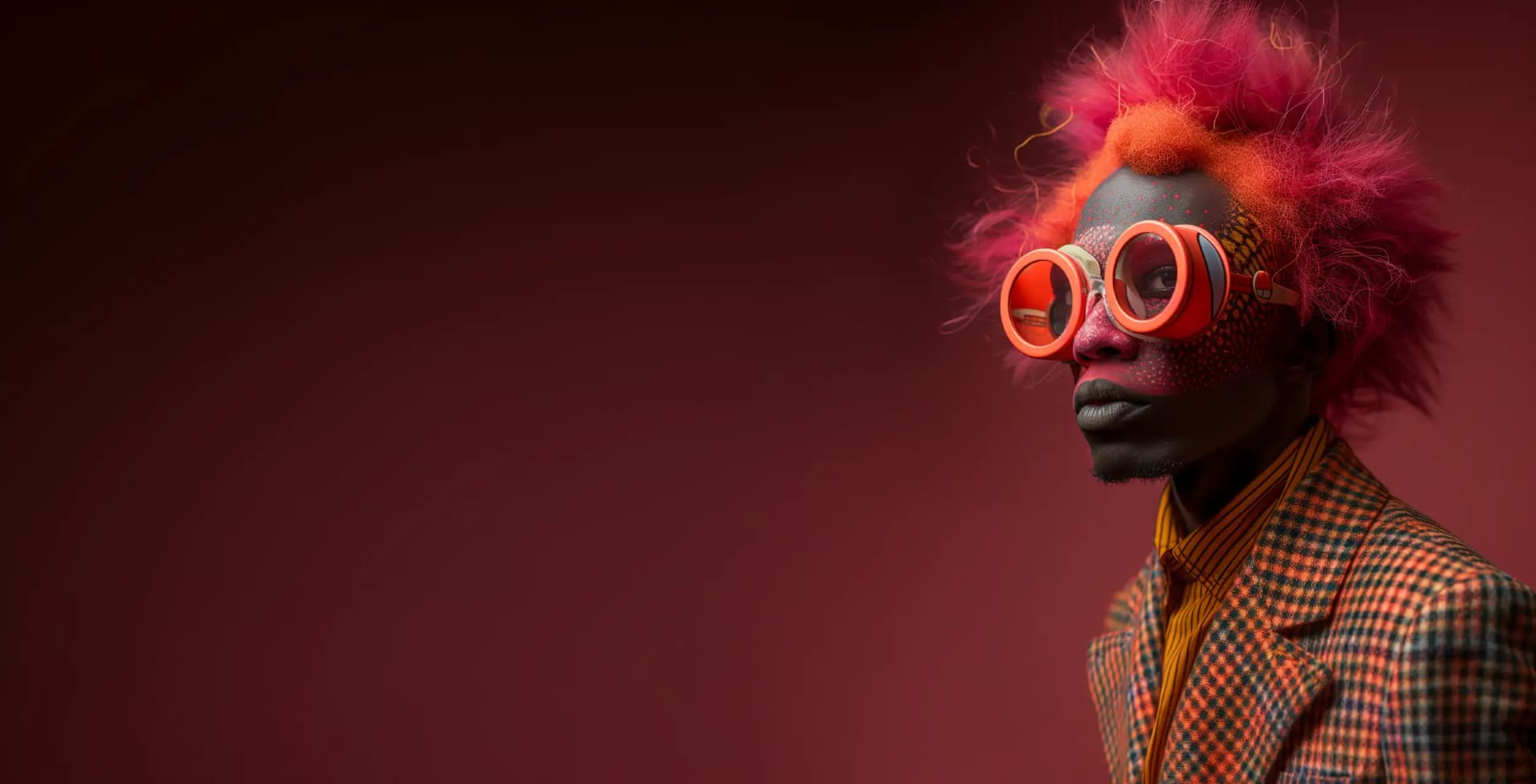
Midjourney for graphic design & art professionals
Midjourney for graphic design & art professionals: from zero to hero. Learn the latest Midjourney techniques to control the final result, like how to use reference photos, integrate AI in your design workflow and create exactly the assets you need.

Learn how to get started with Midjourney.
You're a design professional, but you might not be familiar with AI yet. We'll kick things off by going over the basics of how Midjourney works and how to use it on Discord, so even if you've never had any experience working with AI, you'll be able to follow the rest of the course. We'll cover best practices and nifty tricks to organize your AI-powered workflow.

Master photographic control.
Create AI characters and build their personality from scratch – and tell their story through consistent portraits and backgrounds. Learn how to create captivating compositions in Midjourney, how to tweak light settings and use different angles and camera lenses.

Learn how to use reference photos in Midjourney.
Want to replicate a certain style or character setting? You will learn to create consistent images that look the same across generations and follow a particular aesthetic – like, for example, generating fictional movie stills in the style of «Society of the Snow» – that can even be merged with a LEGO style!

Become a 10x AI-powered designer.
Instead of wasting hours and hours generating pixel-perfect proposals that likely get rejected, we'll teach you how to leverage AI to quickly create multiple assets, including branding proposals, logos and visual identities.

Midjourney for 3D and lettering.
3D modeling is difficult. If you never got to master it to the point you could create captivating 3D visuals and textured lettering, you're in the right place: we'll teach you how to do it with Midjourney alone, no 3D modeling software required.

Prototype real products.
Learn to transform your product ideas into realistic mockups and product designs by using Midjourney. Generate product ideas through moodboards, prototype product packaging, and visualize your product designs!

Learn advanced Midjourney and master its latest features.
Learn to use the latest Midjourney features and advanced parameters, updated to the latest version 6. Multiprompting, permutations, style tuning, subtle and strong varying... stay up to date and discover where the best resource libraries are to never run out of ideas.

What will you learn?
Midjourney kickoff: setup and basics review, how to use Midjourney AI
Create your own server to match a professional's workflow
Advanced features: Use reference photos on the remix mode.
Advanced features: Subtle and strong varying. Learning the best AI description for a target image
Multiprompting
Simultaneous generations with permutations
Style tuning
Mastering photography: POV, lens types, effect on your generations
Achieving consistency in your images through prompting, blending, inpainting and tuning
Who is this for?
Designers
Graphic designers, web designers, product designers... if you come from a design background, this course will teach you how to quickly bring your ideas to life for prototyping purposes, and even use assets in production.
Photographers
If you're a photographer, you'll become unstoppable by using AI to augment your work and create compositions and angles you wouldn't be able to explore with a regular camera and traditional post-production.
Artists
Digital artists, videogame creators, painters, hobbyists... if you come from an artistic background, you'll find this course highly relevant to acquire the tools necessary to explore an universe of artistic ideas 10x faster.
Ready to start learning?
Join thousands of students mastering AI skills