Want to buy me coffee? (Buy a cup)
It took a while, but here is the SDXL version of CyberRealistic.
The criteria for this model are simplicity in usage and versatility. So, no complicated prompts (you can if you want it); simply unleash your imagination. Enjoy and have fun playing!
Rest assured, both CyberRealistic and CyberRealistic Classic (based on 1.5) will continue to receive updates and support as per usual.
Personal settings
Steps: > 25
Sampler: DPM++ 3M SDE / DPM++ 2M Karras / Euler A
VAE: is already Baked In
HiRes: 4x_NickelbackFS_72000_G/4xNMKD-Siax_200k
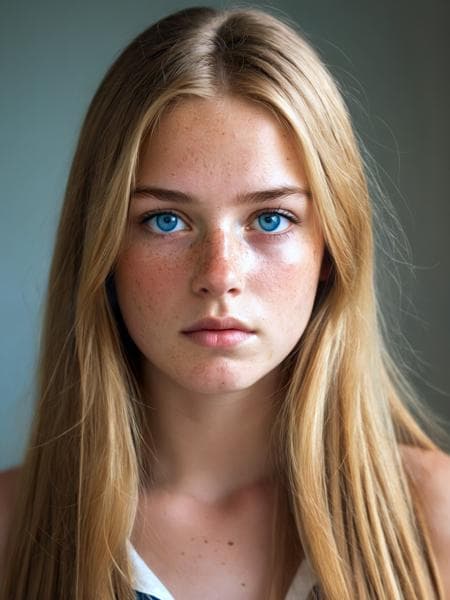
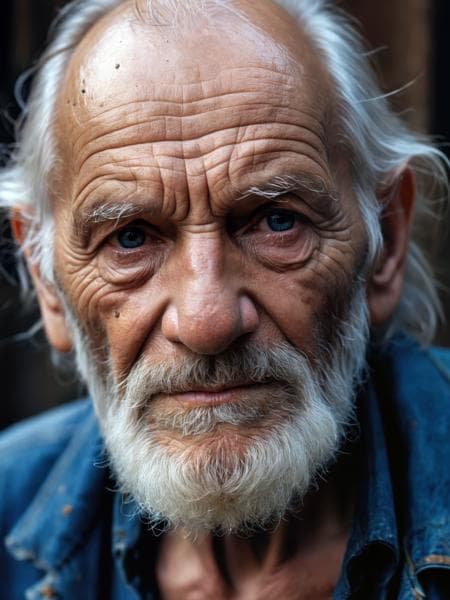
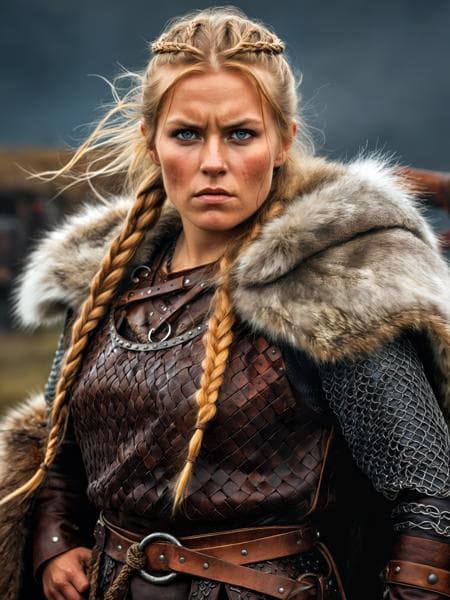
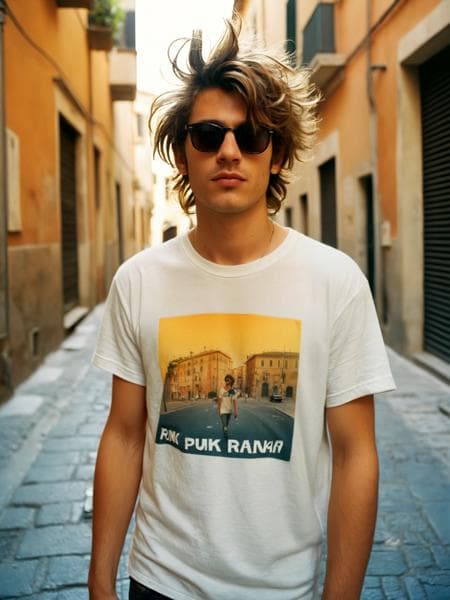
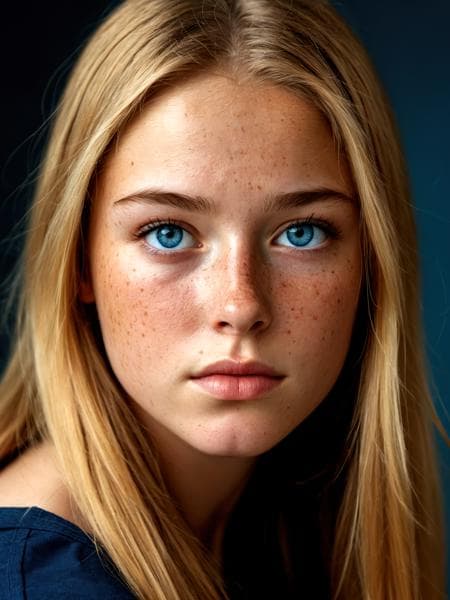
CyberRealistic XL is a highly specialized Image generation AI Model of type Safetensors / Checkpoint AI Model created by AI community user Cyberdelia. Derived from the powerful Stable Diffusion (SDXL 1.0) model, CyberRealistic XL has undergone an extensive fine-tuning process, leveraging the power of a dataset consisting of images generated by other AI models or user-contributed data. This fine-tuning process ensures that CyberRealistic XL is capable of generating images that are highly relevant to the specific use-cases it was designed for, such as photorealistic, base model, woman.
With a rating of 0 and over 0 ratings, CyberRealistic XL is a popular choice among users for generating high-quality images from text prompts.
Yes! You can download the latest version of CyberRealistic XL from here.
To use CyberRealistic XL, download the model checkpoint file and set up an UI for running Stable Diffusion models (for example, AUTOMATIC1111). Then, provide the model with a detailed text prompt to generate an image. Experiment with different prompts and settings to achieve the desired results. If this sounds a bit complicated, check out our initial guide to Stable Diffusion – it might be of help. And if you really want to dive deep into AI image generation and understand how set up AUTOMATIC1111 to use Safetensors / Checkpoint AI Models like CyberRealistic XL, check out our crash course in AI image generation.
Specially developed SDXL inpaint checkpoint for inpainting and outpainting.
In general, you can stick to the same settings you'd use with the main model. I usually go for inpainting with DPM++ 2M Karras and at least 30 steps to get good results. That said, you often crank the steps way higher - sometimes up to 50 - but that’s totally optional and depends on your workflow.
For CFG, somewhere between 2 and 6 tends to work well.
As for denoising strength, I usually start around 0.8. If the model starts getting weird or too abstract, dropping it a bit can help. But sometimes, bumping it closer to 0.9 actually improves the image.
Denoising really changes how the final image turns out. So if you’re not happy with what you’re getting, try tweaking just that one setting before messing with anything else. It’s usually the one that makes the biggest difference.
Go ahead and upload yours!
Your query returned no results – please try removing some filters or trying a different term.